Web HostingHostingerVPSCloud HostingWordPressBusiness
Shared vs Cloud vs VPS Hosting: Which One Do You Actually Need in 2026?
November 24, 20264 min read0 views0 comments
Shared, cloud or VPS? A plain-English guide to the three hosting types, who each one is for, what to check before you pay, and how to get 20% off Hostinger.
Get an extra 20% OFF Hostinger hostingUse my link — the discount is applied automatically on your first purchase.Disclosure: some links below are my Hostinger referral links. You get 20% off your first purchase and I earn a small commission, at no extra cost to you. I host my own apps on Hostinger — here is my full setup.
Picking hosting is confusing: every provider shouts "unlimited", "fastest" and "99.9% uptime". In reality there are only three types you need to understand. Pick the right one and your site is fast and cheap; pick the wrong one and you either overpay or your site slows down when visitors arrive.
Quick answer
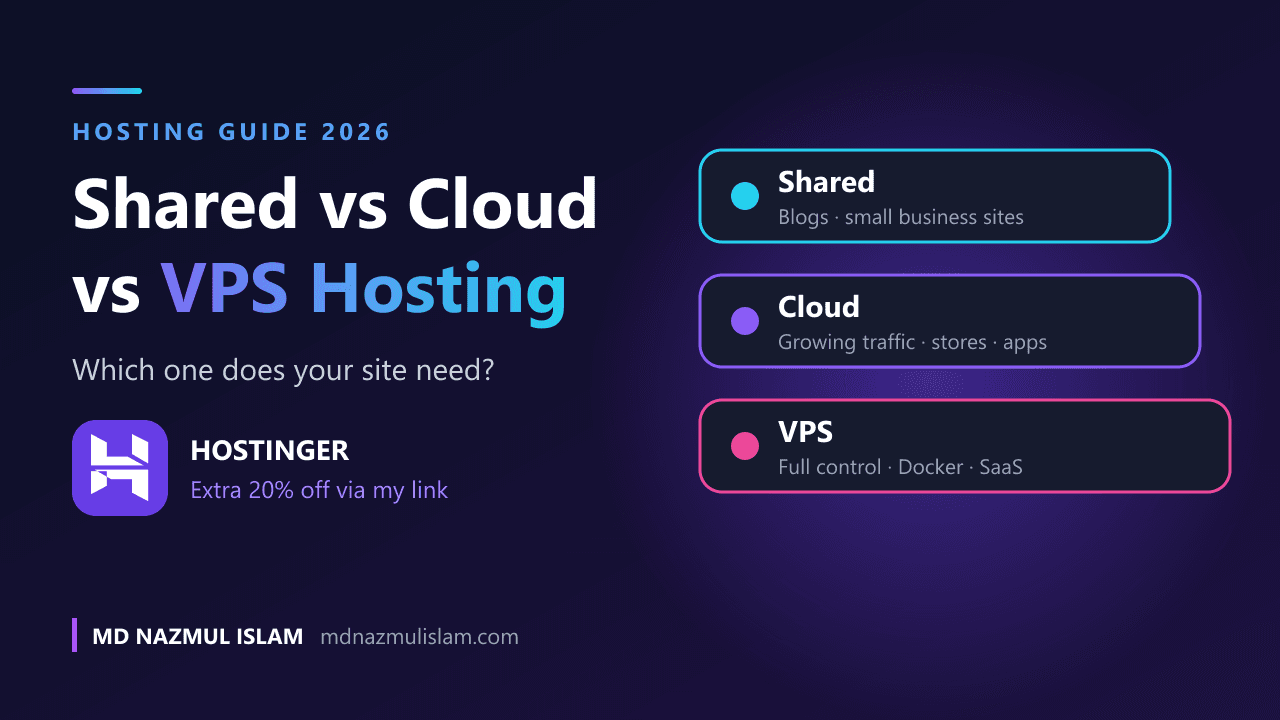
| Your situation | Choose |
|---|---|
| Blog, portfolio, small business site, WordPress | Shared hosting |
| Online store, growing traffic, client sites, Node.js/Next.js apps | Cloud hosting (or Business plan with Web Apps) |
| SaaS, Docker, custom servers, background workers, full root access | VPS |
1. Shared hosting — the starter
Your site lives on a server shared with other websites. The provider manages everything: security, updates, backups.
Good for: new blogs, portfolios, restaurant/clinic/school websites, landing pages.
Pros
- Cheapest option
- Zero server knowledge needed — one-click WordPress, free SSL, email included
- Managed security and backups
Cons
- Limited CPU/RAM — a sudden traffic spike can slow the site
- You can't install custom server software
2. Cloud hosting — the sweet spot for growing sites
Still fully managed, but with dedicated resources (more CPU and RAM reserved for you) and better isolation from other users.
Good for: WooCommerce/online stores, sites with steady daily traffic, agencies hosting client sites, Next.js/Node.js apps.
Pros
- Much faster and more stable under load
- Still no server management
- Easy to upgrade as you grow
Cons
- Costs more than shared
- Still not full root access
3. VPS — full control
A virtual private server: your own slice of a machine with root access. You install and manage everything.
Good for: SaaS products, APIs, Docker containers, game servers, custom stacks (Redis, queues, cron workers).
Pros
- Full control — install anything
- Predictable, dedicated resources
- Best price-to-power ratio for developers
Cons
- You are responsible for security updates, firewall and backups
- Needs Linux/command-line knowledge
Side-by-side comparison
| Shared | Cloud | VPS | |
|---|---|---|---|
| Price | Lowest | Medium | Medium–High |
| Speed under traffic | Basic | High | High (if tuned) |
| Server skills needed | None | None | Linux required |
| Root access | No | No | Yes |
| Best for | Starting out | Growing business | Developers / SaaS |
5 things to check before you pay
- Renewal price — the first-term promo is always cheaper. Look at the renewal price, not just the headline.
- Data-center location — choose one close to your visitors (e.g. Europe/Asia for Gulf and South Asia traffic).
- Backups — daily automatic backups save you when something breaks.
- Free SSL + domain + email — these add up if bought separately.
- Deployment — if you are a developer, check for Git/GitHub deploys. I push to GitHub and my sites go live automatically (how I set it up).
What I use and recommend
I use Hostinger for my portfolio and dashboard: Node.js Web Apps with GitHub auto-deploy, plus domain, SSL and email in one panel. It covers all three types above (shared, cloud and VPS), so you can start small and upgrade without moving providers.
- Starting a blog or business site → Premium / Business shared hosting
- Store or Next.js app → Business or Cloud
- Developer / SaaS → KVM VPS
Tip: the longest term (24–48 months) gives the lowest monthly price, and the referral link adds an extra 20% off your first purchase.
FAQ
Can I start on shared hosting and upgrade later? Yes. Most providers, including Hostinger, let you upgrade from shared to cloud in a few clicks without moving your site.
Is shared hosting safe? Yes for most small sites — accounts are isolated and the provider handles security. Keep WordPress and plugins updated.
Do I need a VPS for a Next.js site? No. A plan with Node.js Web Apps or cloud hosting runs Next.js fine. Choose a VPS only if you need custom server software.
Which is best for an online store? Cloud hosting — stores need stable speed during sales and traffic spikes.
Not sure which plan fits your business? Contact me — I set up hosting, domains and auto-deploy for clients and can get your site live fast.
Tagged with
Web HostingHostingerVPSCloud HostingWordPressBusiness
Comments
Leave a comment